Mirage running a machine
What it does
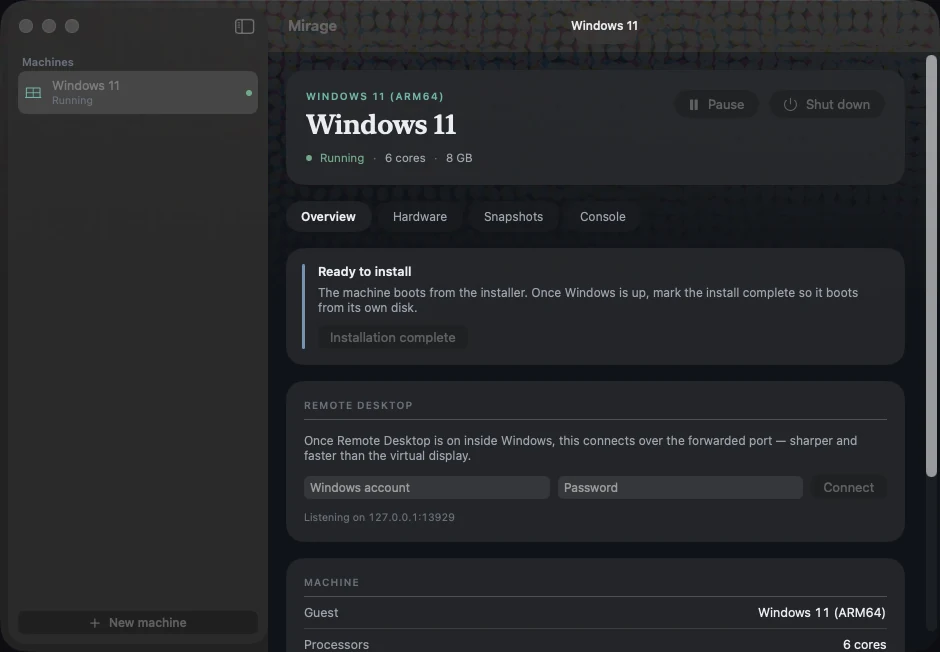
Mirage is a machine list and a machine page. Make a machine, point it at an official Windows 11 ARM64 disc image, press start, and it boots — no flags, no QEMU command line, no guesswork about which virtual disk controller the guest can actually see. A machine is one self-contained folder holding its configuration, its sparse disk with its snapshots, its own UEFI variable store and its generated answer disc, so backing one up is copying a folder.
Once Windows is up, the fast path is Remote Desktop over a forwarded local port rather than the virtual display — sharper text, smoother pointer — and Mirage turns RDP on during install so it is ready the moment Setup finishes.
How it's built
- Not Apple's framework
- Apple's Virtualization.framework has no TPM anywhere in its headers and offers Windows no display device it has a driver for. It is documented for macOS and Linux guests. So: QEMU, accelerated by Hypervisor.framework — the same underlying hypervisor, so the CPU runs just as fast, plus UEFI firmware and devices a Windows guest can actually drive.
- The TPM trade, stated plainly
- QEMU's TPM device maps its registers as MMIO, and that region cannot be registered with Hypervisor.framework. A TPM or hardware acceleration — not both. Acceleration wins, Express Install applies Microsoft's documented setup bypass, and the cost is written down: no BitLocker, and nothing that needs a real TPM measurement.
- Devices the guest already knows
- NVMe boot disk, USB installer media over xHCI, a UEFI framebuffer the Basic Display Driver picks up, and an Intel-compatible NIC — every one an inbox driver on Windows for ARM. Argument order is load-bearing: the USB controller is emitted before anything that plugs into it, and a self-test locks that in.
- Express Install
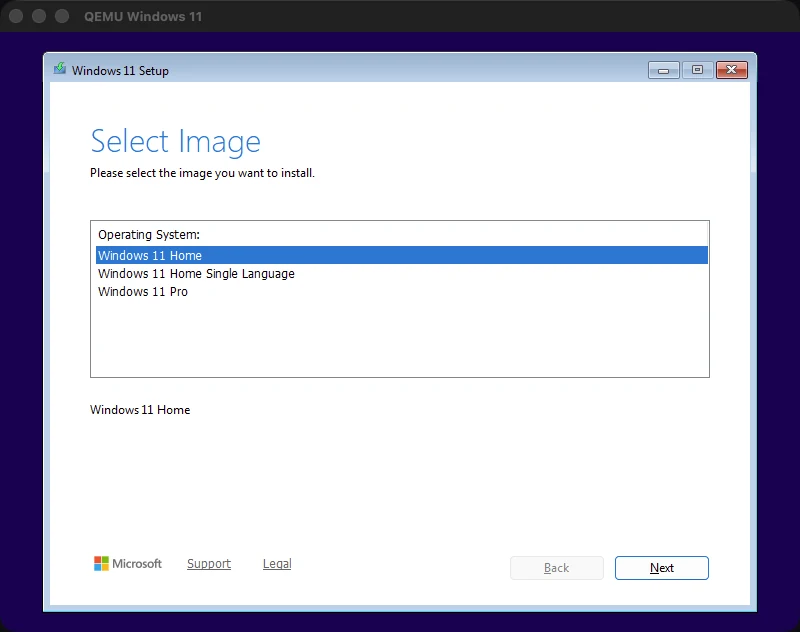
- An answer file wrapped in a small ISO. Windows Setup scans every attached volume's root for it before its first screen, so the install runs hands-off: checks bypassed, a local account created, Remote Desktop enabled and the firewall opened before first login.
- The key it presses for you
- Windows install media asks you to press a key to boot from the disc and falls through to a UEFI shell if nothing does — which looks exactly like a broken boot. Mirage taps a key for the first fourteen seconds. Deliberately short: keep tapping past that and the keystrokes land in Setup's first text field.
- The look
- macOS 26 Liquid Glass over the same process-ink halftone field these tool pages sit in — glass panels floating in a printed ground. A self-test fails the build if a machine-state colour ever drifts toward a process ink, so atmosphere and data never speak the same language. It has already caught that once.
Where it stands
Version 0.1 and genuinely working: Windows 11 ARM64 installs unattended and runs at native CPU speed, with snapshots, USB passthrough and a console when you need one. It exists because testing a Windows build of a game on a Mac should not mean rebooting into another operating system.
Not distributed yet. It needs Homebrew's QEMU present, an official Windows disc image you supply yourself, and a notarised build before anyone else could reasonably run it.